How to explore series
Follow these steps to complete the process in Kanviu.
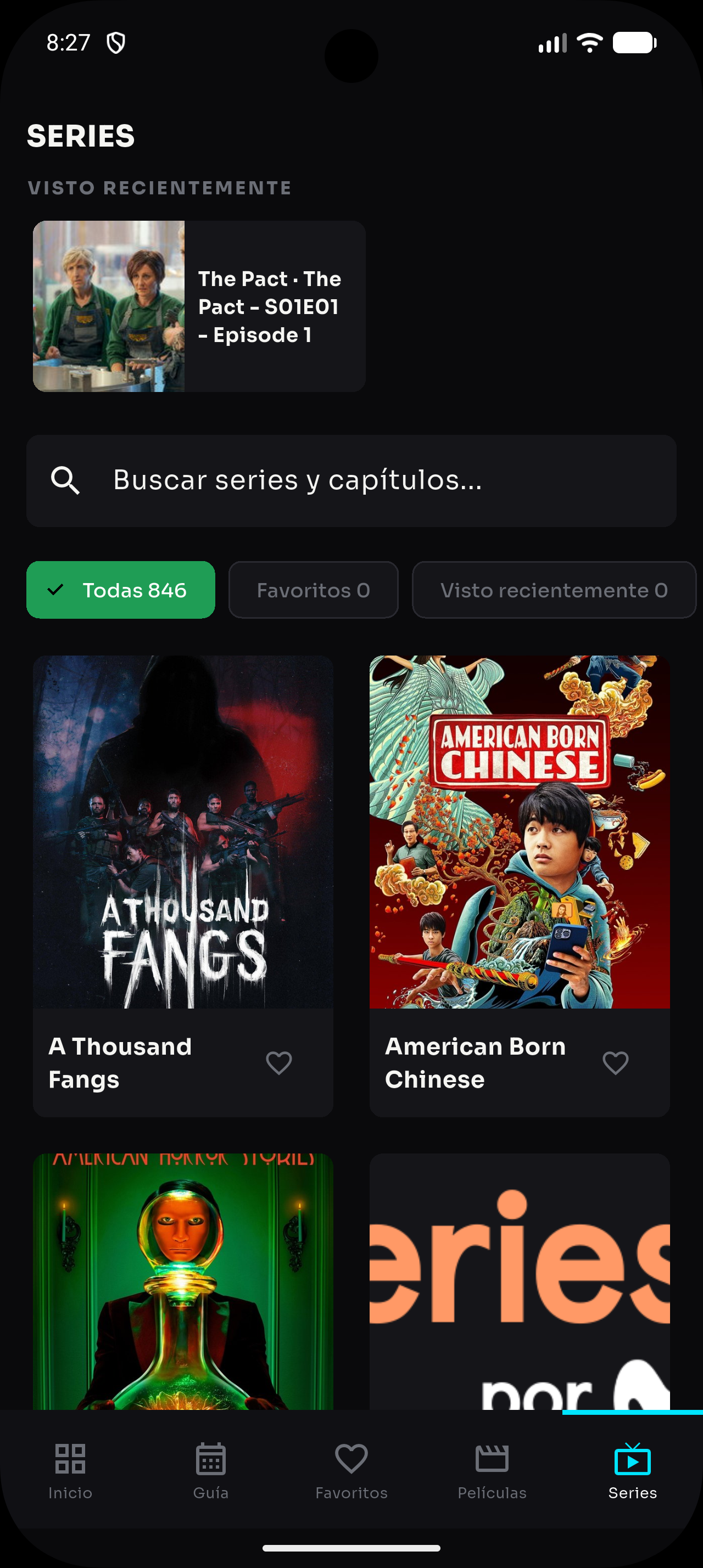
- Open “Series” from the bottom navigation.
- Use search to find a series by title.
- Review its artwork, available information and episode list.
- Select an episode to start playback or continue from your progress.
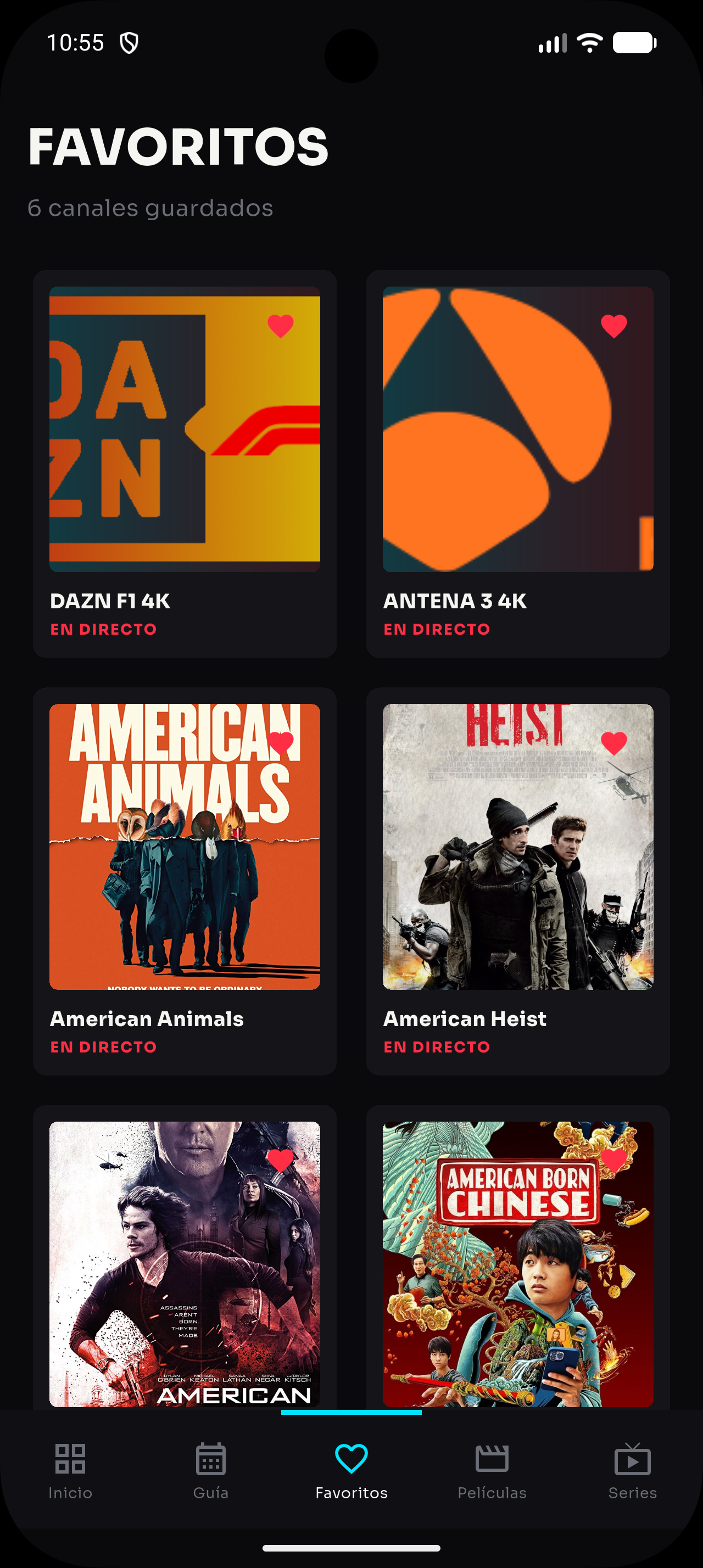
- Save the series to favorites so you can find it quickly later.