How to pick up where you left off
Follow these steps to complete the process in Kanviu.
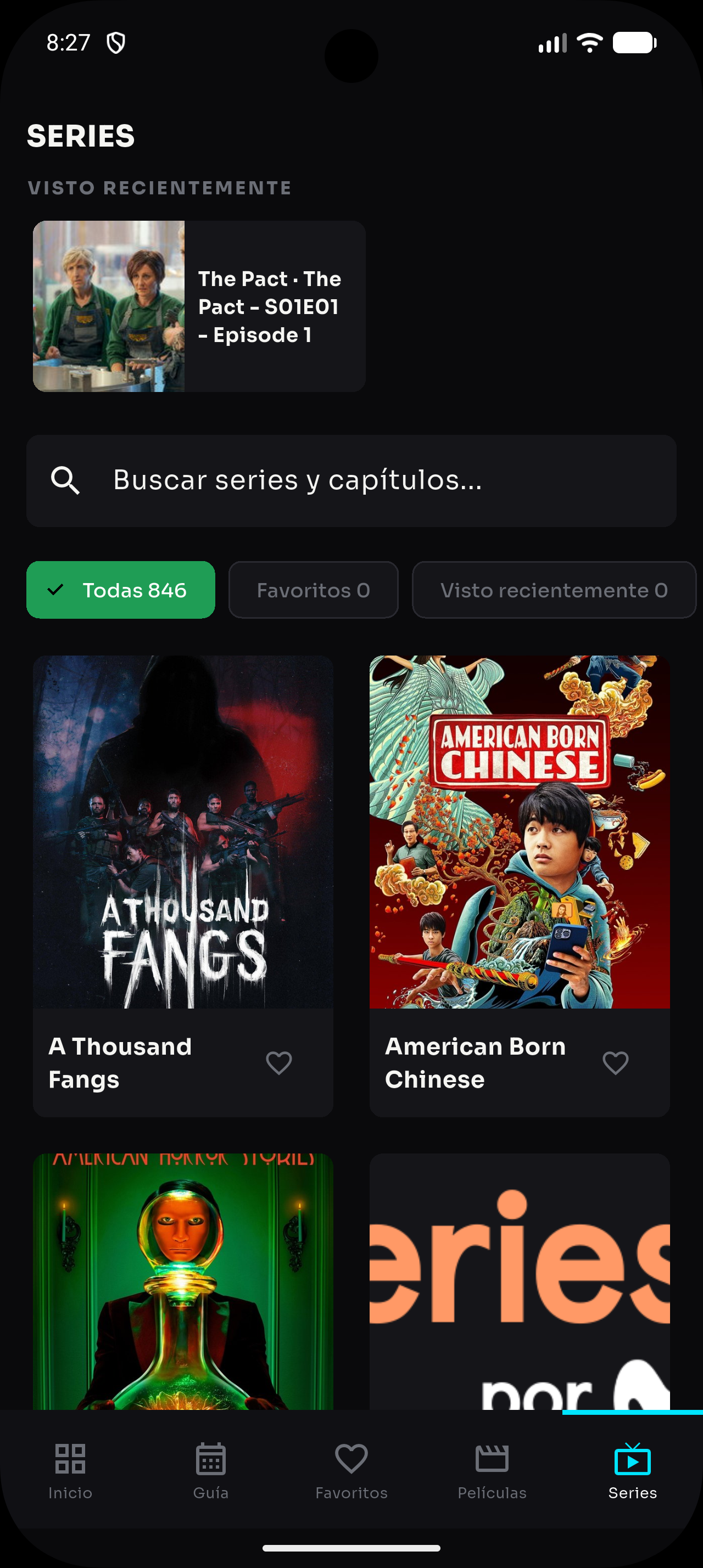
- Open “Series” or “Movies” from the bottom navigation.
- Search for the title you want to continue or open “Recently watched”.
- Select the content card to open its details.
- Tap play and the app will resume the episode or movie from the saved position.
- If you want to start again, use the player controls to return to the beginning.