How to set parental controls
Follow these steps to complete the process in Kanviu.
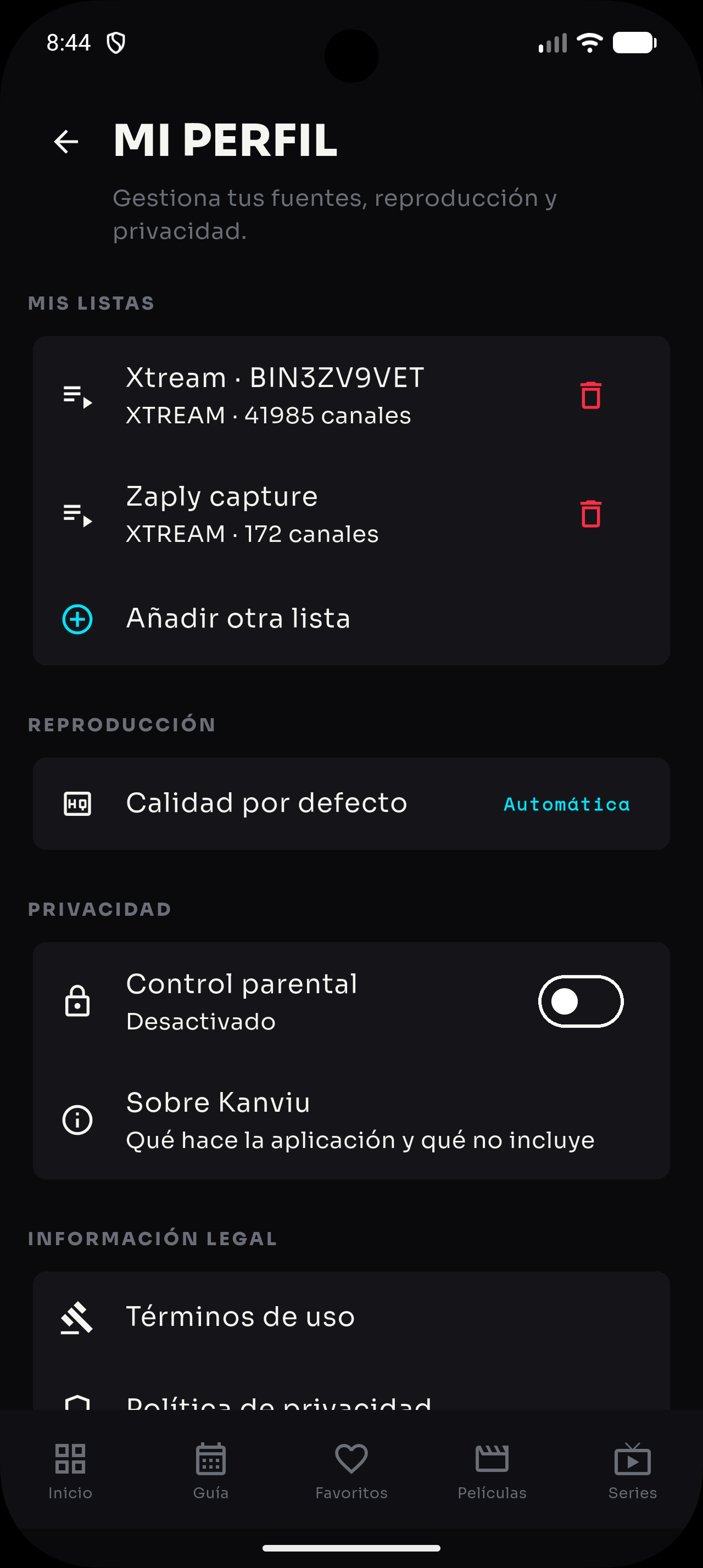
- Open your profile and scroll to the “Privacy” section.
- Turn on “Parental controls” to start setup.
- Create a PIN you can remember and that other people cannot easily guess.
- Confirm the PIN and check that parental controls are shown as enabled.
- To change or disable them, return to “Privacy” and confirm the action with your PIN.