How to add playlists
Follow these steps to complete the process in Kanviu.
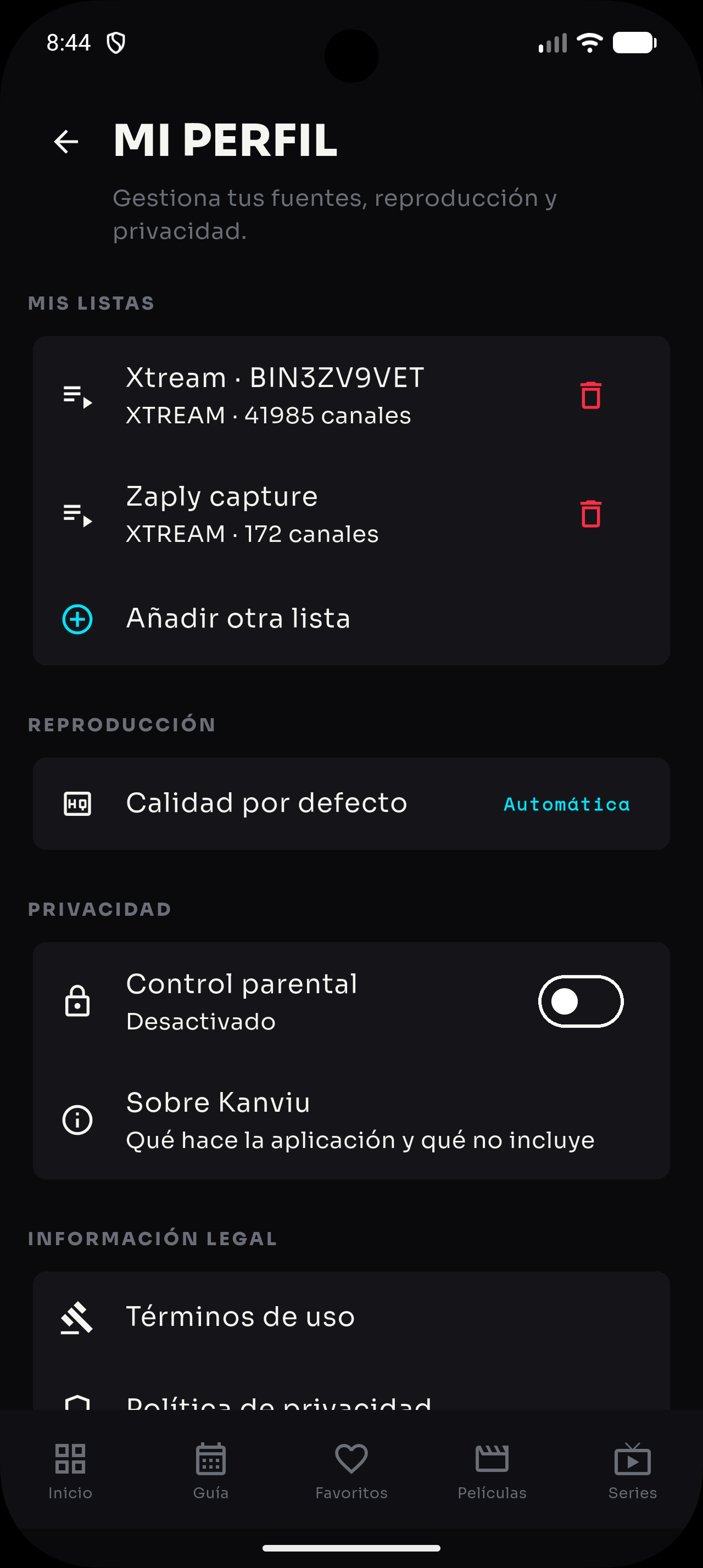
- Open Kanviu and go to your profile.
- Tap “Add another list” in the “My lists” section.
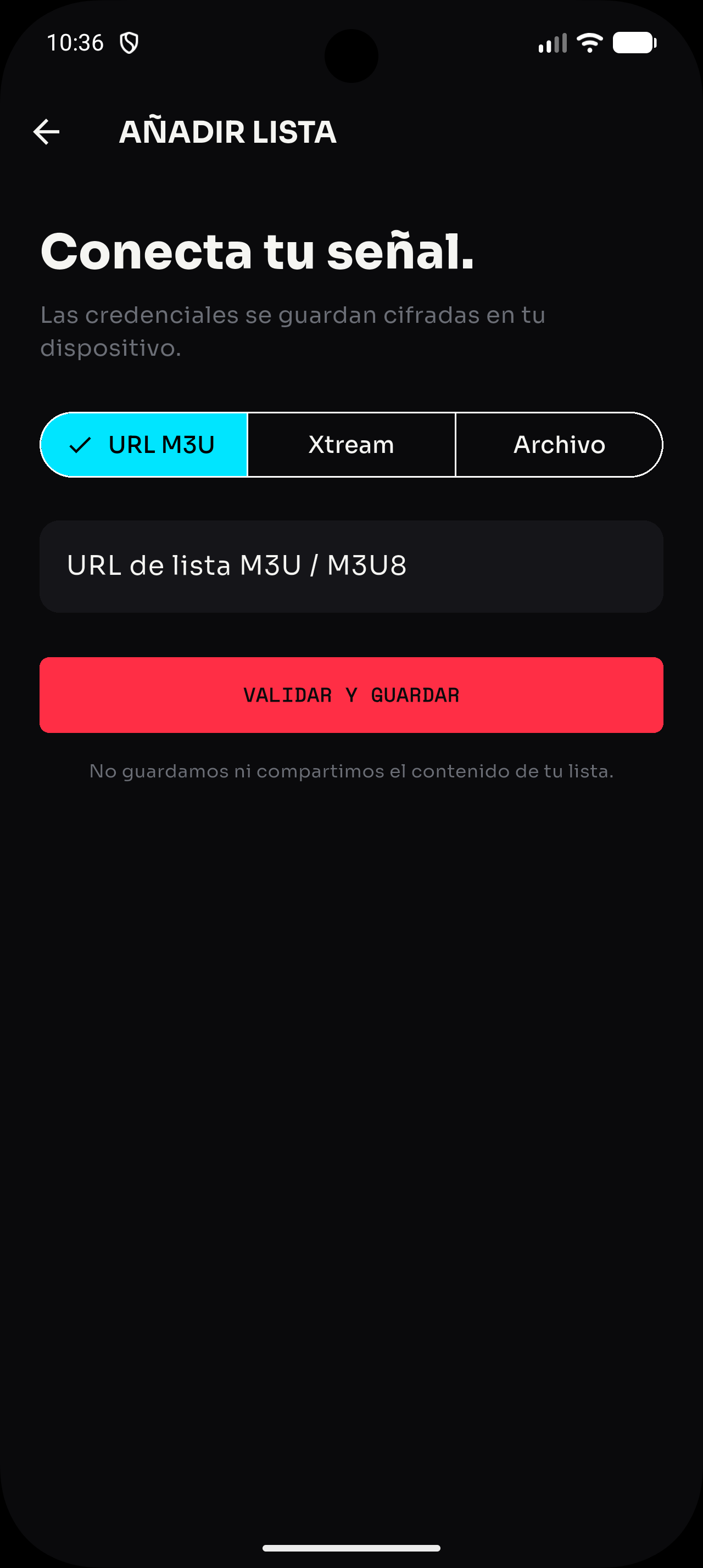
- Choose “M3U URL” to paste an M3U/M3U8 address, “Xtream” to enter server, username and password, or “File” to select a local list.
- Review the details and tap “Validate and save”.
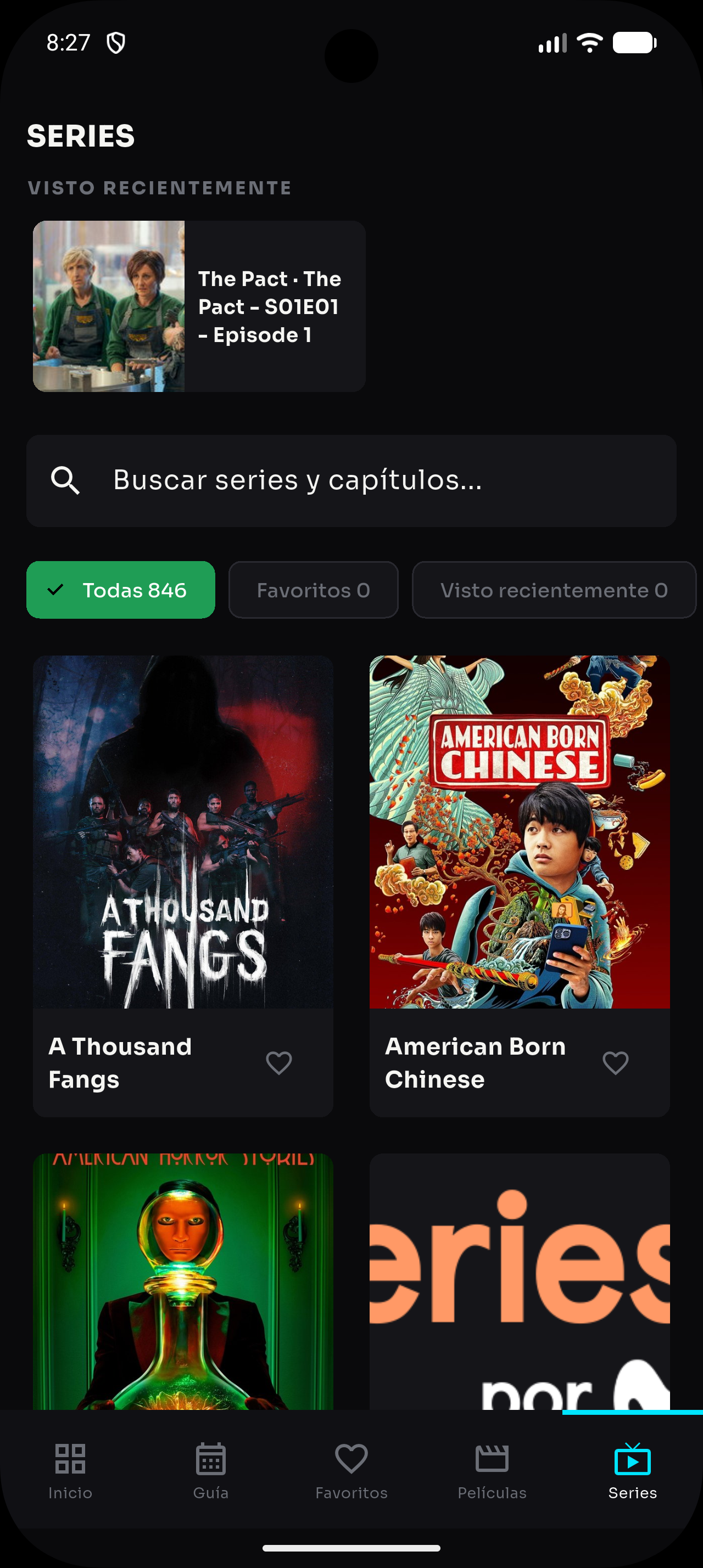
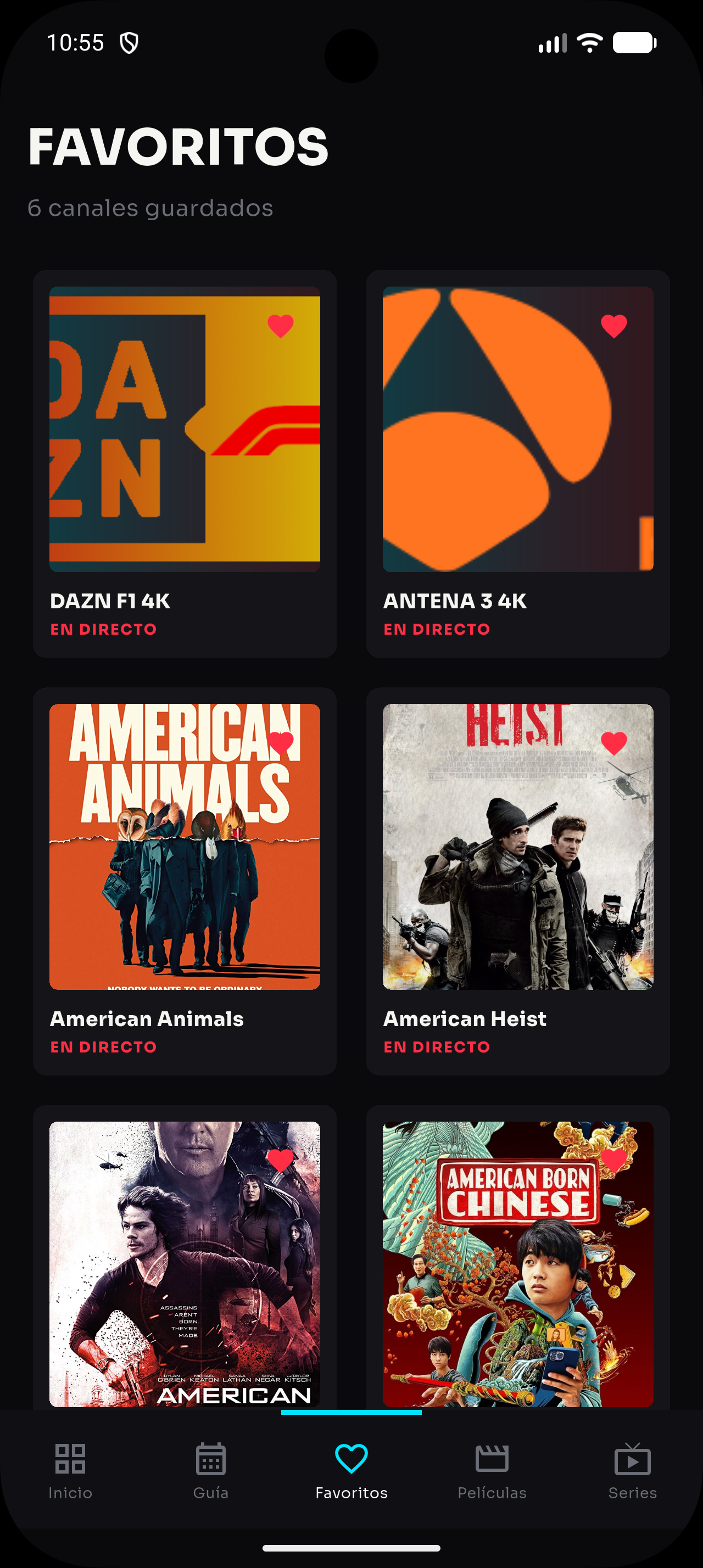
- Once the source is saved, refresh the catalog to load its channels, movies and series.